chatgpt.com/business-hub Open Business Hub ↗ -
Sign in and open Business Hub
Sign in to ChatGPT, then open Business Hub from the sidebar or go to the address above.
-
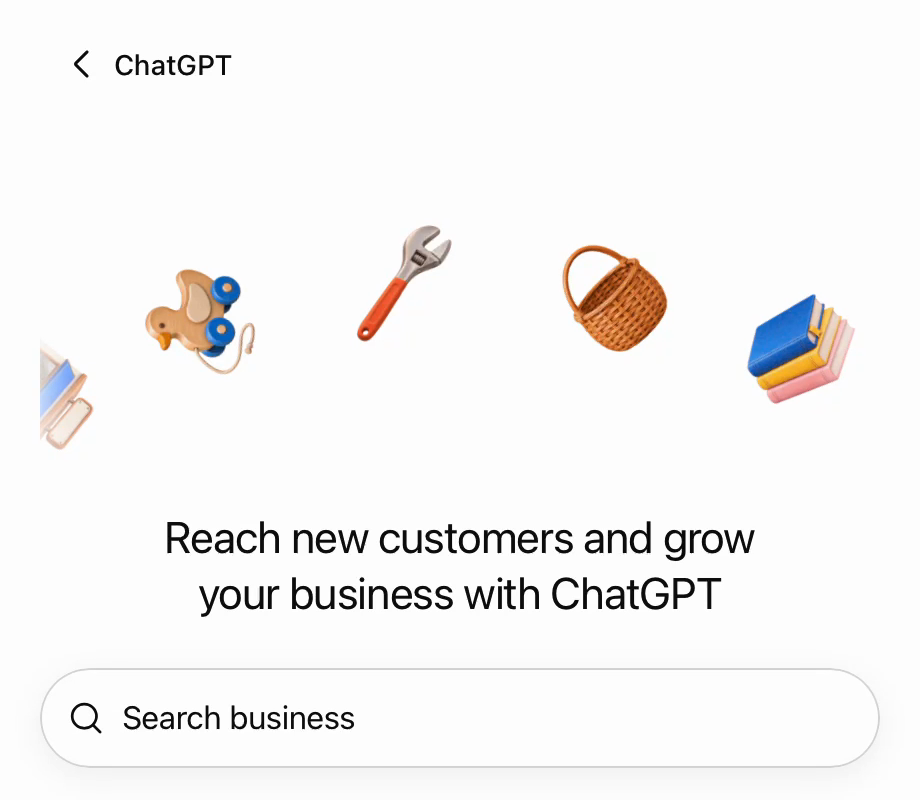
Search for your store
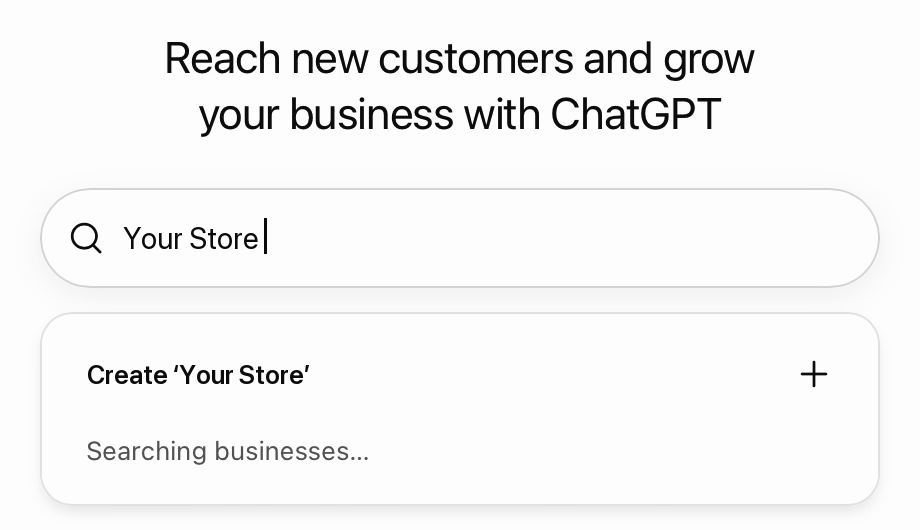
Type your store name in Search business. If your store is listed, claim that listing. If it is not, choose Create.
-
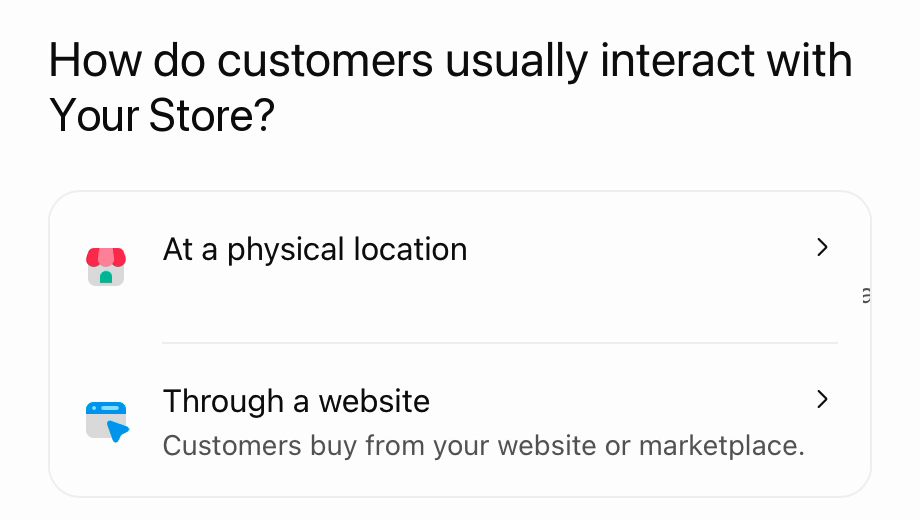
Pick how customers buy from you
For an online store choose Through a website.
-
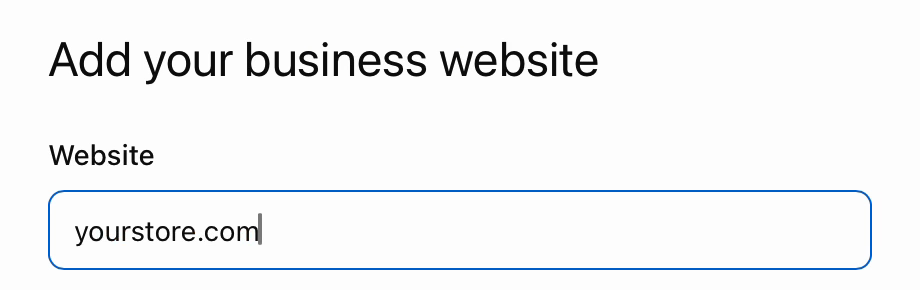
Add your website
Enter your store's domain and press Continue.
-
Prove the store is yours
ChatGPT offers the methods that fit your listing:
- Shopify store: select it, then Connect Shopify. Fastest for Shopify merchants.
- Website domain: add the TXT record it shows to your DNS.
- Business phone or business email, when your listing has them.
-
Confirm your identity
After the claim is approved, OpenAI asks for an identity check through Persona. Have a government ID ready; it may also ask for business registration details and proof that you can act for the business. You need this step to publish changes and see insights. The blue check appears after approval.
After approval
Fill in the description, category, logo, cover photo, delivery and return policy. Shopify stores use their existing Shopify catalog. Insights show the last 28 days: mentions, website clicks and topics.
Sources
Checked November 2026. Screens show a demo store; your page may look slightly different.